7 Best Pink Monitor Light Bars for a Small Desk in 2026!
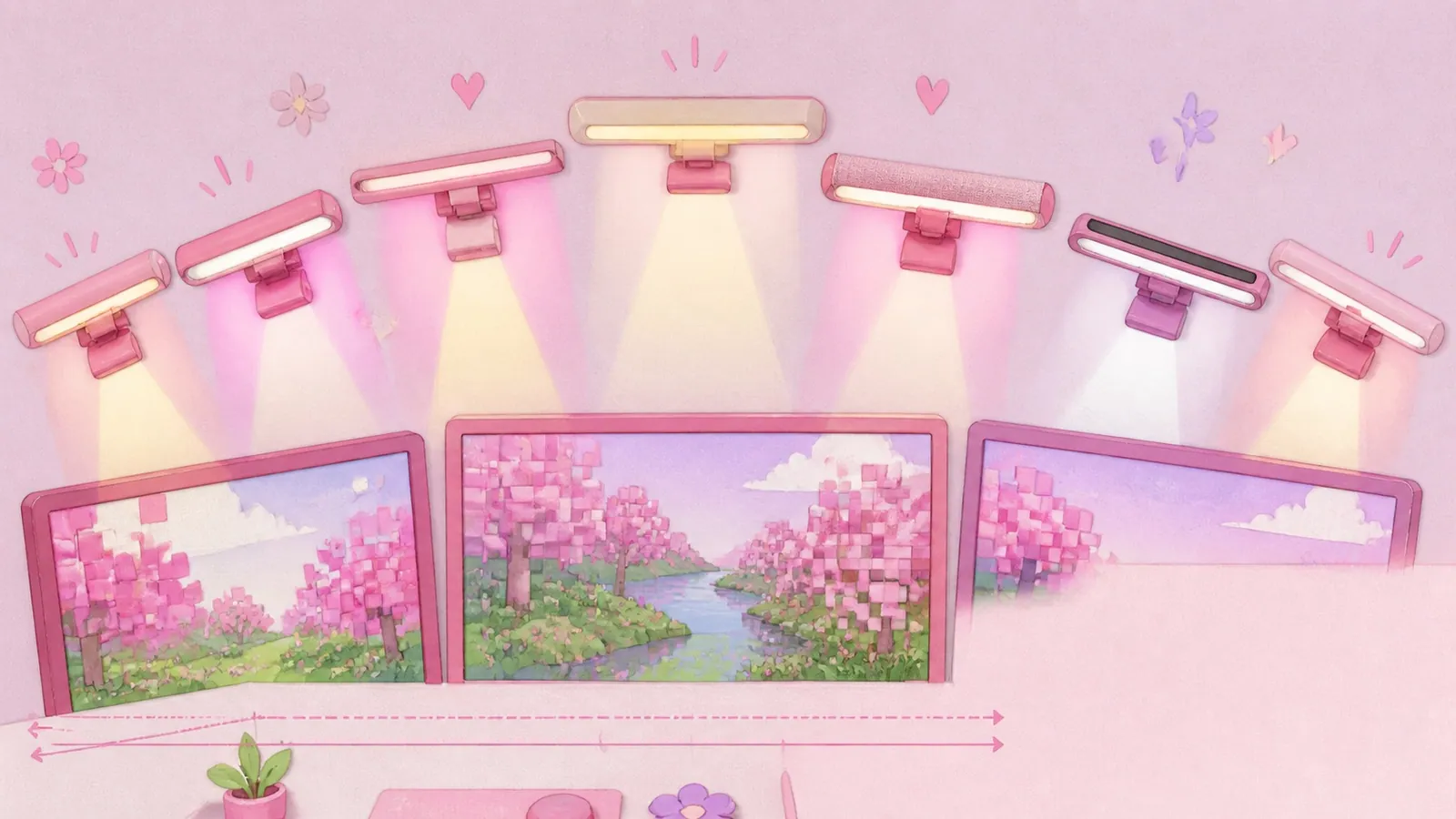
A monitor light bar is a slim LED bar that clips to the top of your monitor and lights the desk in front of it without shining onto the screen. On a small desk it's the single best swap you can make, because it does a lamp's job and takes up none of your surface.
Here's the thing that catches everyone out, me included: only two of these have pink housing. The rest are pink because of the colour they throw onto the wall behind your screen, which is a completely different thing.
So this list is split by which kind of pink you're actually after. Seven bars, what each one suits and the numbers that decide it.
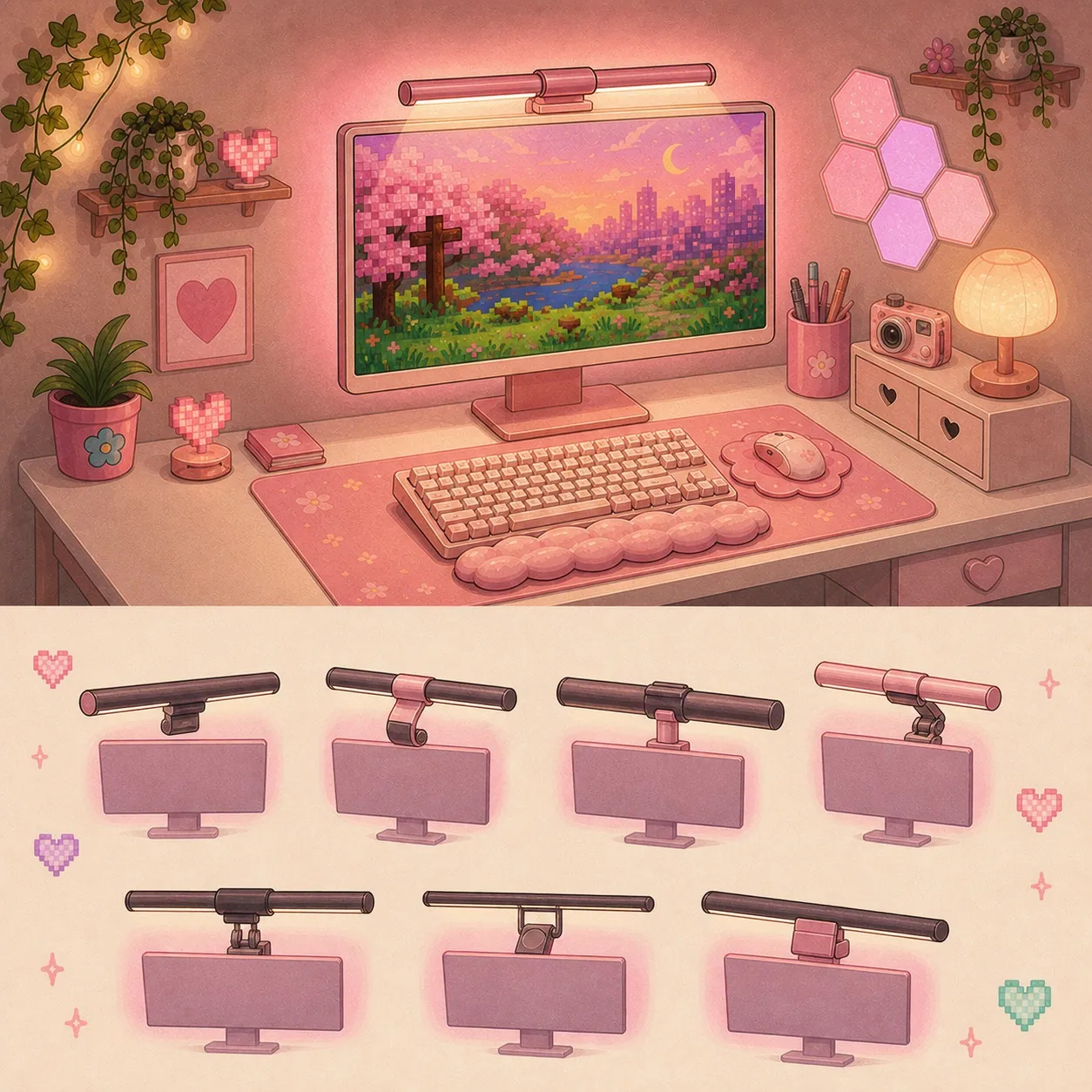
The 7 best pink monitor light bars at a glance
| # | Light bar | Best for | The number that decides it | |
|---|---|---|---|---|
| 1 | Quntis Pink Monitor Light Bar, 16.1 inch | A small desk, monitor 24 inches or under | 16.1 in, Ra95, flat panels 0.4 to 1.2 in | Have a look |
| 2 | Quntis 20 inch Pink Monitor Light Bar | A 27 inch or curved monitor, plus pink on the wall | 20.1 in, 15 RGB modes, curved from 1500R | Have a look |
| 3 | Quntis 15.7 inch RGB Monitor Light Bar | Pink light on the smallest possible bar | 15.7 in, 24 RGB modes, USB powered | Have a look |
| 4 | Quntis 17.7 inch Curved Monitor Light Bar | A curved screen with music sync | 17.7 in, 23 RGB effects | Have a look |
| 5 | Yeelight Monitor Light Bar Pro | The widest colour range | 16 million colours, 19.1 in, 10 W | Yeelight's store, not sold on Amazon |
| 6 | BenQ ScreenBar Halo | Best light quality, if glare is the real problem | 2700K to 6500K, Ra above 95, over 1000 lux | Have a look |
| 7 | Baseus i-wok | The widest fit range | Ra97, fits screens 0.2 to 1.6 in | Have a look |
Does a pink monitor light bar shine pink light
No, and I say that as someone who genuinely thought otherwise for about three weeks before mine turned up!
Every monitor light bar has a downward task light that falls on your keyboard and your hands. That light is white on every single model in this category, pink ones included, usually adjustable somewhere between 3000K at the warm end and 6500K at the cool end.
Some models also have a rear backlight aimed at the wall behind the screen. That's the only place colour lives, and it's the reason a black light bar can look pinker in a photo than a pink one does.
So there are two different things people mean by "pink monitor light bar":
| What you want | What to look for | Which picks |
|---|---|---|
| A pink object on your monitor | Pink housing | 1 and 2 |
| Pink glowing on the wall behind your screen | An RGB backlight | 2, 3, 4 and 5 |
| Both at once | Pink housing plus RGB backlight | 2 only |
The 2 monitor light bars with pink housing
Both are Quntis, and they're the only two in the US. I checked BenQ, Baseus, Yeelight, Xiaomi, Govee and a long list of kawaii desk lamps hoping for a Sanrio one... black, silver and grey, all the way down.
1. Quntis Pink Monitor Light Bar, 16.1 inch
Best for: a desk under 40 inches wide with a flat monitor of 24 inches or less.
In one line: the pink is a soft matte rather than a bright plastic pink, and at 16.1 inches it sits properly on a small monitor instead of hanging over the edges.
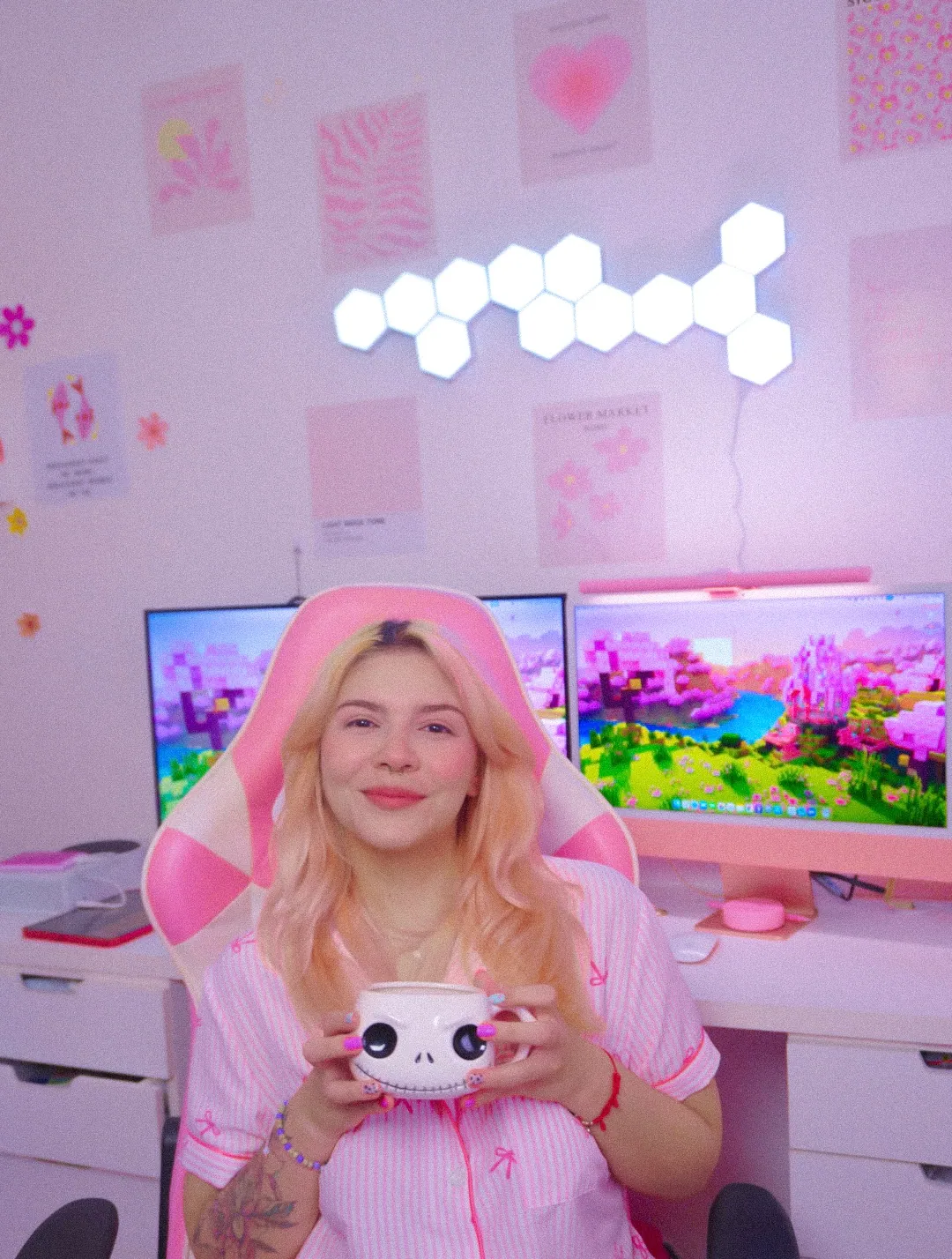
This is the one clipped to my monitor and it's the piece of gear people ask me about more than everything else combined. Quntis files it as the Glow series, 16.1 inches on its own site, which is where every number below comes from.
| Spec | Quntis Pink Monitor Light Bar, 16.1 inch |
|---|---|
| Length | 16.1 inches |
| Colour temperature | 3000K to 6500K |
| Colour rendering | Ra95 |
| Brightness | Over 874 lux at the centre |
| LED beads | 84 |
| Fits | Flat monitors 0.4 to 1.2 inches thick |
| Power | USB-C |
| Controls | Wireless remote, 3 AAA batteries |
| Weight | 1.52 lb |
That Ra95 is the number worth caring about. Colour rendering measures how truthfully a light shows colour on a scale where 100 is perfect, and at this money you rarely see it published at all, let alone that high.
Two small things I'd have liked to know. There's no wall plug in the box, so it runs off a monitor port or a hub. And the remote has no power switch, so it quietly drains its AAAs whether you use it or not!
The honest bit. If you sit low enough in your chair you can catch the little LED hot spots along the top edge of the screen. It isn't only me: an independent test of five Amazon light bars found some light bleed on this one, and a review of the grey version says you'd probably never notice without a much pricier bar sitting next to it. That matches my experience exactly. I sit fairly high and I forget it exists :)
It doesn't fit curved monitors, won't work on a laptop and has no smart home control. The remote is the only way in.
One thing to watch when you order. The two pink Quntis bars are worded almost identically on Amazon, and neither listing uses the name Quntis gives it. On the manufacturer's own site the small one is the Glow and the big one is the IM. On Amazon the fastest tell is much simpler: the bigger one has 20 inches in the title and the smaller one doesn't.
2. Quntis 20 inch Pink Monitor Light Bar
Best for: a 27 inch monitor, an ultrawide or a curved screen. Also anyone who wants pink on the wall as well as white on the desk.
In one line: the only bar on the market that is pink and glows pink, which makes it the obvious pick if you can't choose.
The Quntis 20 inch Pink Monitor Light Bar, listed by Quntis as the IM series, 20.1 inches, is 20.1 inches long with 144 LED beads. It rates Ra95, puts 900 lux on the desk and runs off USB at 5V and 1.5A.
The clamp is a retractable counterweight design rated for curved monitors of 1500R and above, which is the one thing the 16.1 inch bar genuinely can't do.
The real draw is the backlight. Fifteen RGB modes on the rear face, throwing colour onto the wall while the front light stays white on your desk. Two jobs at once instead of one.
At 20.1 inches it's near flush across a 24 inch monitor and it's the right size for a 27, so it's the one to size up to rather than trying to stretch the small one.
The monitor light bars that make pink light
These three have a white or dark housing and an RGB backlight, so the pink lands on your wall rather than on your monitor.
3. Quntis 15.7 inch RGB Monitor Light Bar
Best for: pink light on the smallest bar available.
In one line: the RGB backlight from the pink IM in a 15.7 inch body, which is the shortest one in the range that still does colour.
At 15.7 inches this is the compact end of Quntis's IM series and it's the natural pick for a 22 or 24 inch monitor where the 20.1 inch would overhang. Same USB power, same dimmable front light, same colour glow on the wall behind.
If a small desk is the constraint and the wall glow is the priority, this is the shape that fits. There's a whole list of other ways to get pink light onto a small desk if the bar isn't the answer.
4. Quntis 17.7 inch Curved Monitor Light Bar
Best for: a curved screen, with music sync as a bonus.
In one line: a 17.7 inch dual-head design built for curvature, with 23 RGB effects that react to sound.
Curved monitors are where most clip-on bars quietly fail, because a straight bar on a curved bezel leaves gaps at both ends. This one is shaped for it, and the music sync is the sort of thing that sounds like a gimmick until it's 1am.
5. Yeelight Monitor Light Bar Pro
Best for: the widest colour range of anything here.
In one line:16 million colours on the backlight, which is a different league to 13 or 15 preset modes.
The Yeelight Monitor Light Bar Pro measures 19.1 inches. It draws 10 W over 5V and 2A.
One practical note before you get attached to it: the Pro isn't sold on Amazon in the US. Yeelight sells it direct, and the Yeelight bars you'll find on Amazon are different models. Worth knowing before you go looking.
Preset modes are fine until you want a specific pink to match something else in the room. This is the pick for anyone who has a shade in mind and wants to dial it in exactly rather than cycle through somebody else's idea of pink.
The best light bars if colour isn't the priority
Sometimes the thing bothering you isn't the colour at all. These two are the answer if the actual problem is glare or a monitor that nothing seems to fit.
6. BenQ ScreenBar Halo
Best for: anyone whose real problem is screen glare.
In one line: the one bar an independent test found genuinely eliminates glare, and the specs back it up.
Every bar in this category advertises an asymmetric optical design that keeps light off the screen. In testing across five models, the BenQ ScreenBar Halo was the one that actually delivered on it. BenQ's own page publishes the coverage figures.
| Spec | ScreenBar Halo |
|---|---|
| Colour temperature | 2700K to 6500K, stepless |
| Colour rendering | Ra above 95 |
| Brightness | Over 1000 lux at about 20 inches |
| Fits | Flat 0.3 to 2.4 in, curved 0.6 to 1.5 in |
| Power | USB-A, 5V and 1.3 A |
It comes in black, silver and grey. The backlight is a fixed white rather than RGB. If you work in a dark room and glare is what sent you looking, this is the honest answer even though it isn't pink.
7. Baseus i-wok
Best for: a monitor that's unusually thin or unusually thick, or both depending where you measure.
In one line: the widest fit range here by a distance, at 0.2 to 1.6 inches, plus the highest colour rendering number on this page.
The Baseus i-wok is 18.3 inches long, runs 3000K to 6500K, puts out up to 160 lumens and rates Ra97, which edges past both Quntis models. It draws 5 W over USB-C with stepless dimming.
If you've measured your panel and it fell outside everybody else's range, start here.
What size monitor light bar fits your screen, in inches
Match the bar to the physical width of your screen rather than to its diagonal, because a 24 inch monitor isn't 24 inches wide. This part is rarely published anywhere, so here's the arithmetic.
A 16:9 monitor's actual screen width, before you add bezels or a stand, works out like this.
| Monitor diagonal | Actual screen width | A 16 inch bar covers | A 20 inch bar covers |
|---|---|---|---|
| 22 inch | 19.2 inches | About 84 percent | Slightly wider than the screen |
| 24 inch | 20.9 inches | About 77 percent | About 96 percent |
| 27 inch | 23.5 inches | About 69 percent | About 86 percent |
| 32 inch | 27.9 inches | About 58 percent | About 72 percent |
A bar covering roughly three quarters of the screen width looks right and lights the desk evenly. Drop below about two thirds and it starts reading as too small, with the light pooling in the middle.
That's exactly why a 16 inch bar works beautifully up to 24 inches... and stops working at 27.
Depth is the other half of the question and it's the half nobody worries about. BenQ publishes coverage footprints for its own bars, and the ScreenBar Halo covers roughly 25.6 by 15.7 inches at a usable brightness. Standard desks are 24 to 30 inches deep and a compact one can be 18 to 20, so on a small desk the light reaches the whole usable depth without breaking a sweat.
Width is the constraint. Depth isn't.
For what usable brightness means, EN 12464-1, the European standard for indoor workplace lighting, specifies 500 lux for a normal office workplace. Every bar on this list clears that comfortably at the centre.
What to measure before you order
Three numbers and about two minutes with a tape measure. They're the whole difference between a bar that fits and a return.
1. Your monitor's panel thickness at the top edge. This is where most returns come from, and the ranges vary wildly. The 16.1 inch Quntis wants a flat panel 0.4 to 1.2 inches, the BenQ ScreenBar Halo publishes 0.3 to 2.4 inches flat and the Baseus i-wok stretches from 0.2 to 1.6 inches. If your monitor has a rounded or tapered back, measure at the actual clamp point rather than at the thickest part.
2. Your screen's physical width in inches. Not the diagonal. Use the table above or just measure across the panel.
3. Whether anything already lives on top of your monitor. A webcam and a light bar fighting over the same three inches of bezel is a real and very common problem. The 16.1 inch Quntis has a webcam slot built into it, which helps a lot.
Which one suits which desk
The Quntis Pink Monitor Light Bar at 16.1 inches is the pick for a small desk with a flat monitor of 24 inches or less. It's the one I have and the one I'd have again, and it's the piece of gear on my desk I'd replace first if it broke... which is about the highest compliment I can pay a 16 inch strip of plastic!
The Quntis 20 inch Pink Monitor Light Bar takes over on a bigger or curved monitor. It's the only bar that gives you pink housing and pink light at the same time, so it wins that one by default.
For a small monitor where the wall glow matters more than the housing, the Quntis 15.7 inch RGB Monitor Light Bar is the compact one that still does colour. The Yeelight Pro is where to go if you have a specific shade in mind rather than a preset.
And if glare is what actually sent you looking, the BenQ ScreenBar Halo is the honest answer even though it comes in grey :)
Whichever way you go, measure the panel thickness first. It takes two minutes and it's the only thing on this page that reliably goes wrong.
Pink monitor light bar FAQ, the questions I get asked most
Does a pink monitor light bar shine pink light?
No. The housing is pink and the task light is white, adjustable between 3000K and 6500K. Pink light only comes from a rear RGB backlight, which four of the seven bars on this list have.
How many pink monitor light bars are there?
Two with pink housing, both from Quntis. Several more can throw pink light onto the wall behind your screen from an RGB backlight, which is what most listings mean when they say pink.
Will a 16 inch bar look too short on my monitor?
On a 24 inch monitor it covers about 77 percent of the screen width, which looks right. On a 27 inch it drops to about 69 percent and starts looking short. That's the point to size up to a 20 inch.
Is a monitor light bar worth it for a small desk?
This is honestly the setup it suits best, because it does a desk lamp's job and takes up none of your surface. On a big desk a lamp is a perfectly reasonable alternative. On a desk where a lamp base would eat a fifth of your usable space, the light bar wins easily.
Which monitor light bars work on a curved screen?
The Quntis 20 inch handles curved monitors from 1500R. The Quntis 17.7 inch Curved is built for curvature specifically, and the BenQ ScreenBar Halo publishes a curved range of 0.6 to 1.5 inches. The 16.1 inch Quntis is flat panels only.
Will it block my webcam?
The 16.1 inch Quntis has a webcam slot built in, so the two can share the bezel. On bars without one it's a genuine problem and a very common complaint.
How much power does a monitor light bar use?
Barely any. They draw roughly 1 to 5 watts and run off a USB port on your monitor or a hub, so there's no extra wall plug to find room for.
What colour temperature should I use for gaming at night?
The warm end, around 3000K. It's the setting that makes a desk read as cozy rather than as a home office, and it's where mine lives most evenings.